

Grok Imagine AI Video Generator
Grok Imagine is xAI's video and image model. Describe a scene or upload a photo, pick 480p, 720p or 1080p, and get a Grok Imagine clip with matching sound in Kling Motion AI. Grok Imagine Image 2.0 is in the image tool for stills and edits.
Examples
Videos and images made with Grok Imagine
Generated in Kling Motion AI with the settings shown under each sample. Unmute a clip to hear the sound the model made; the raincoat image was edited from an existing portrait.
Vintage tram at golden hour · text to video, 480p, 6 s, with sound
Night-market chef at a flaming wok · text to video, 1080p, 5 s, with sound
Violinist at a rainy tram stop · text to video, 720p, 8 s, with sound
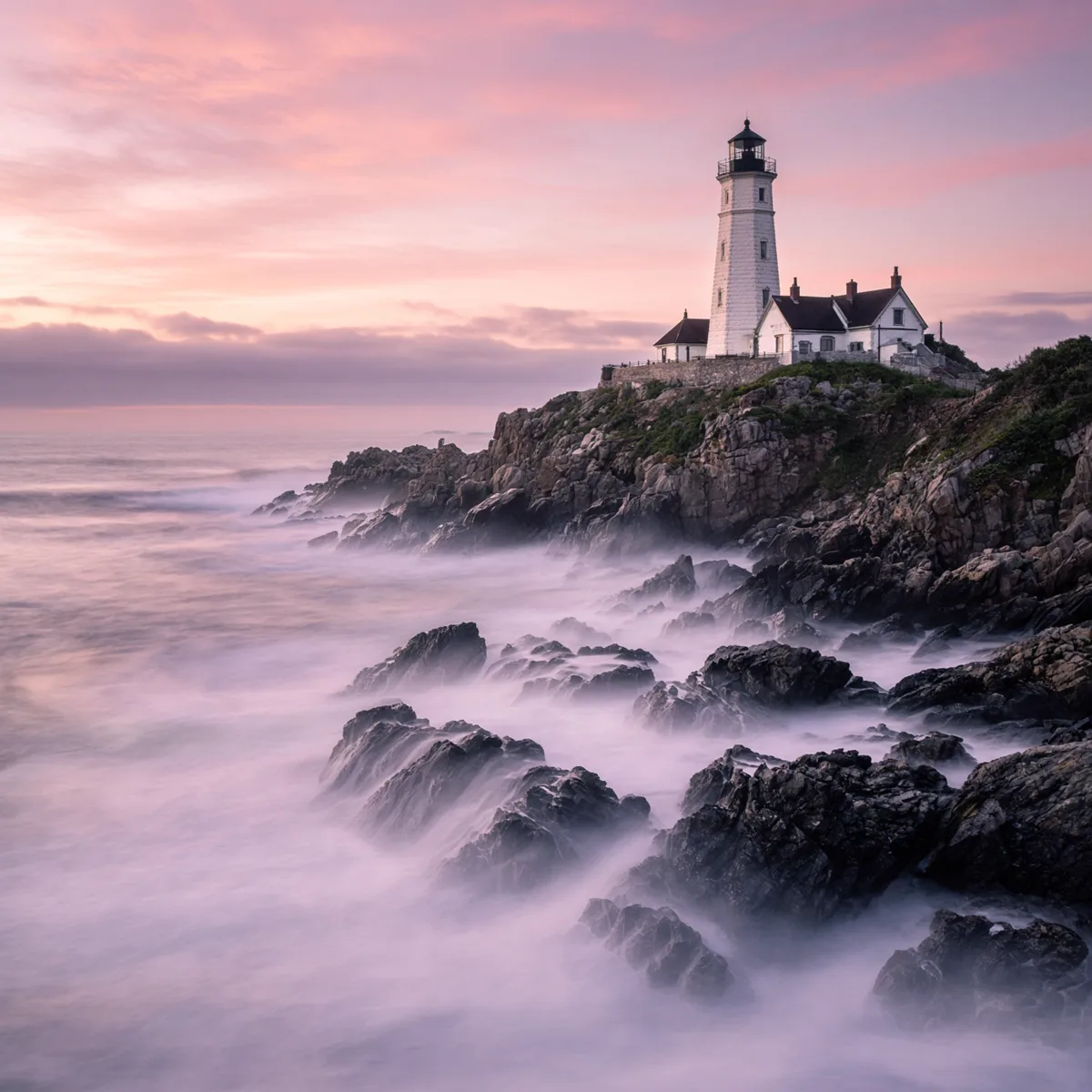
Lighthouse on a rocky coast at dawn · Grok Imagine Image 2.0, text to image
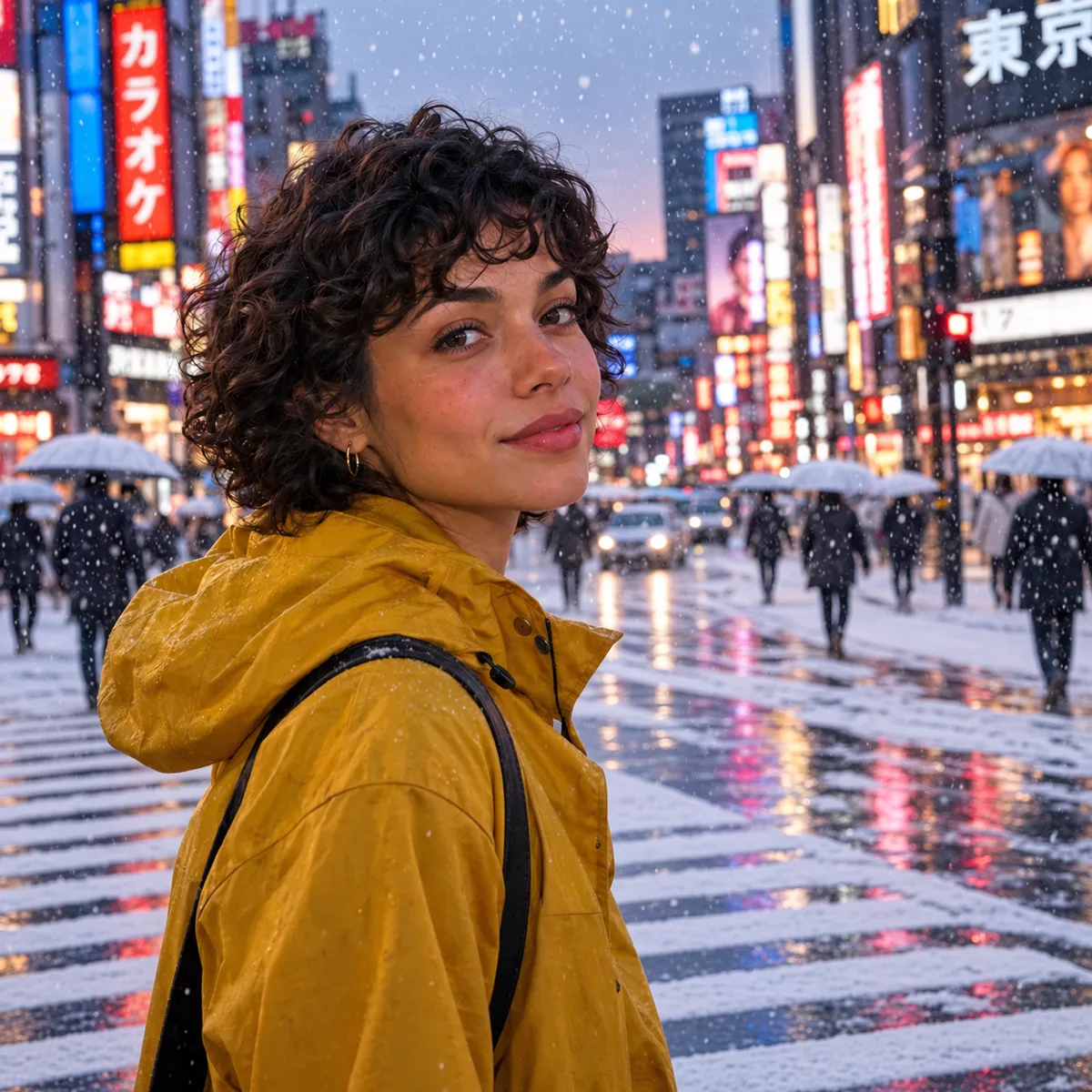
Portrait edited to a yellow raincoat in snow · Grok Imagine Image 2.0, image edit
What this workflow gives you
Practical controls and model-specific capabilities for grok imagine ai video generator inside Kling Motion AI.
Grok Imagine video with built-in sound
Every Grok Imagine clip comes with stereo audio made in the same pass: dialogue you write in the prompt, footsteps, weather, crowds and music that follow the picture.
480p drafts, 1080p finals
Try ideas at 480p for 7 credits a second, then render the keeper at 720p or 1080p at 24 fps. Most clips are ready in under a minute.
Text or a photo as the start
Start from a prompt alone, or upload a photo and the model animates it while keeping the face, outfit and framing. The clip takes the shape of your image.
Grok Imagine Image 2.0 for stills
The same model family makes photoreal images and edits them from up to five references for 20 credits each. Pick it in the image tool.
Plan your credit use
Compare Kling Motion AI plans and one-time credits before choosing a model and output setting.
- Cancel anytime
- Credits refunded when a generation fails
- Secure checkout with Stripe
Basic Plan
For trying a trend or an occasional clip
Billed yearly at $89 · you save $89.80
≈ $3.71 per Hotel Lobby video
- No watermark
- Commercial usage rights
- Priority support
- Priority processing queue
Pro Plan
For creators who post every week
Billed yearly at $174 · you save $174
≈ $1.61 per Hotel Lobby video
- No watermark
- Commercial usage rights
- Priority support
- Priority processing queue
Studio Plan
Best valueFor daily production and client work
Billed yearly at $354 · you save $354
≈ $1.40 per Hotel Lobby video, the lowest of any plan
- Everything in Pro
- Priority processing queueStudio only
- Dedicated supportStudio only
- 2.2x the credits of Pro
How much you can create each month
Up to this many of each. Credits work across every model.
Counts use each model's lowest-credit setting. Longer clips, higher resolution and audio use more credits.
Not ready to pay? Start free.
20 credits when you sign up, plus up to 100 more every week from daily check-ins.


Before you generate
Questions about this Kling Motion AI workflow
Make your first Grok Imagine video
Write a prompt or upload a photo, choose 480p, 720p or 1080p, and generate a clip with sound.