


Create Kling AI video from text
Describe the subject, setting, action, mood, and camera movement. Kling AI turns the written direction into a complete moving scene without a hand-built timeline.
Try Kling AI free with Kling Motion AI. Turn text or a reference image into cinematic video with controllable motion, up to 4K output, and native audio. Create an account to claim free credits.
KLING AI PROMPT INSPIRATION
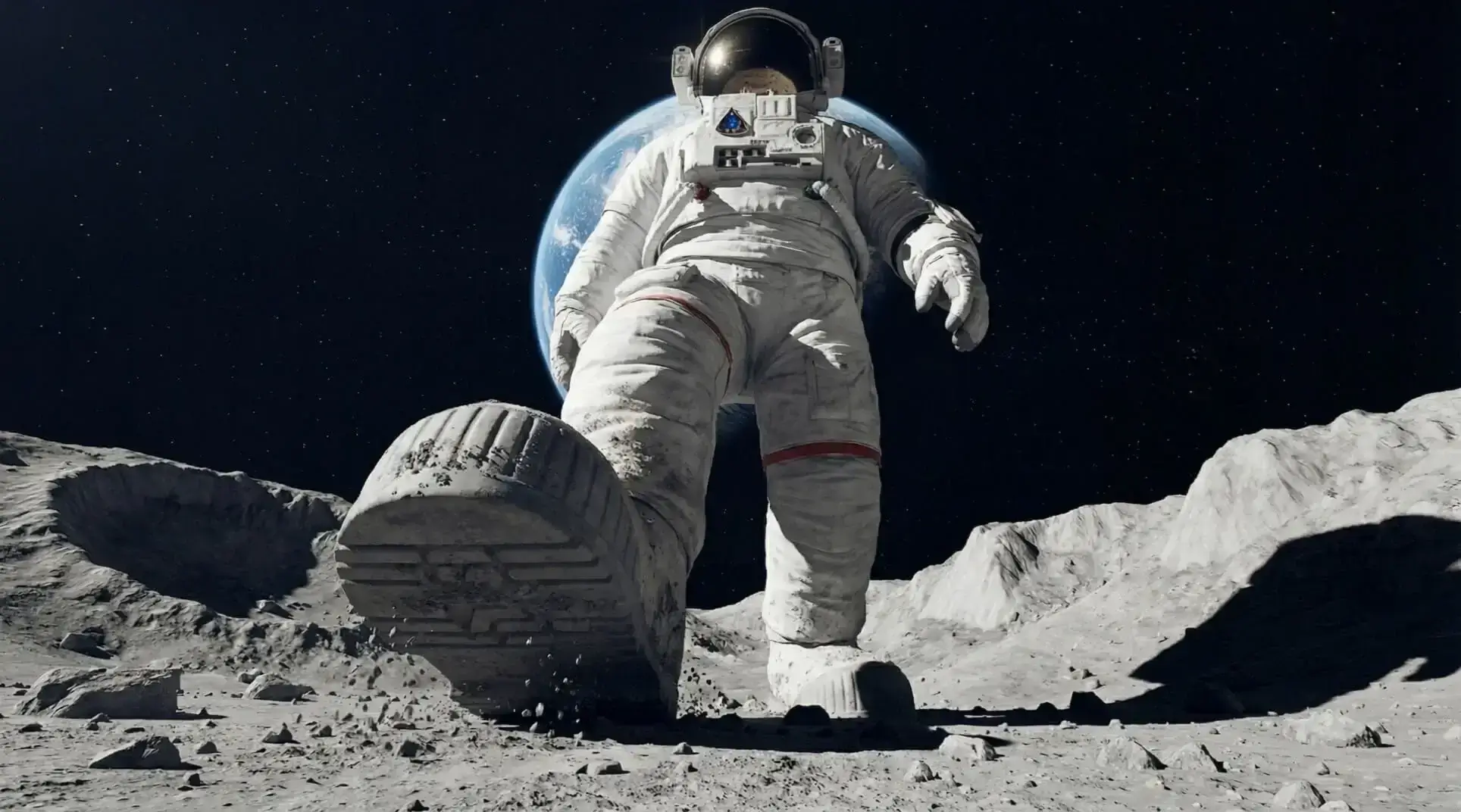
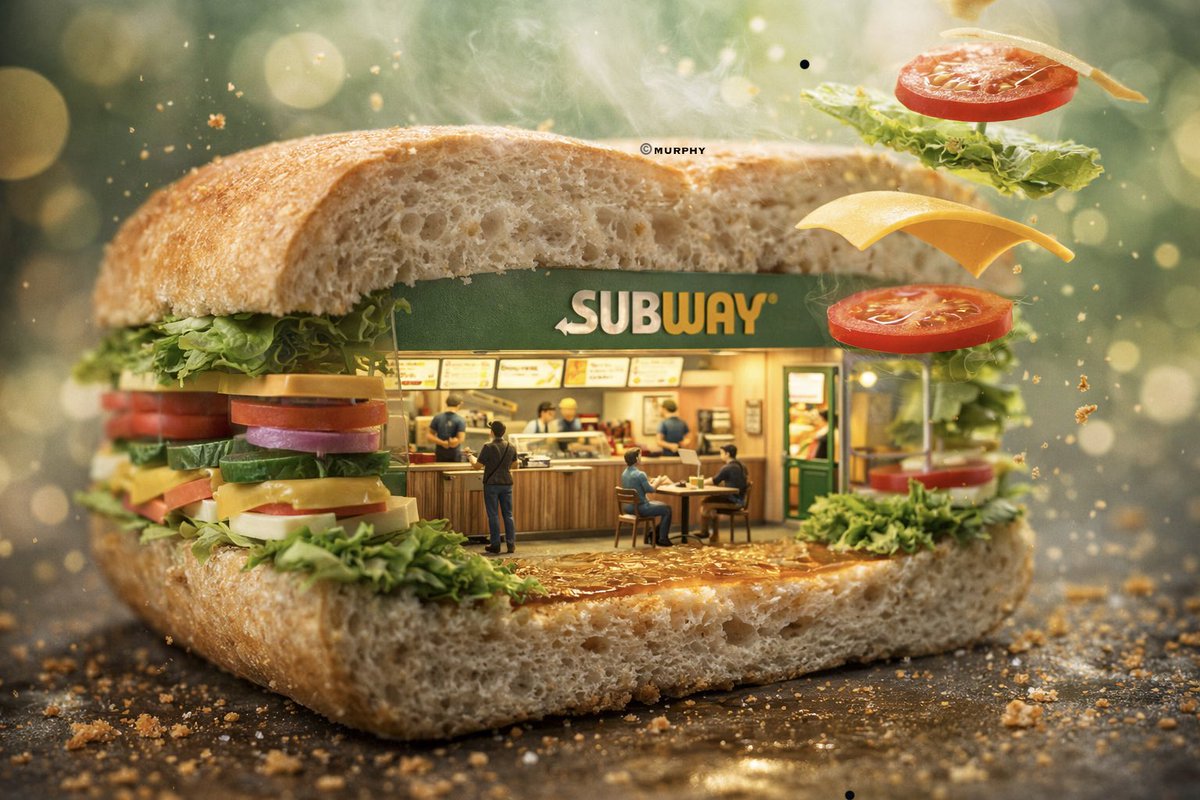
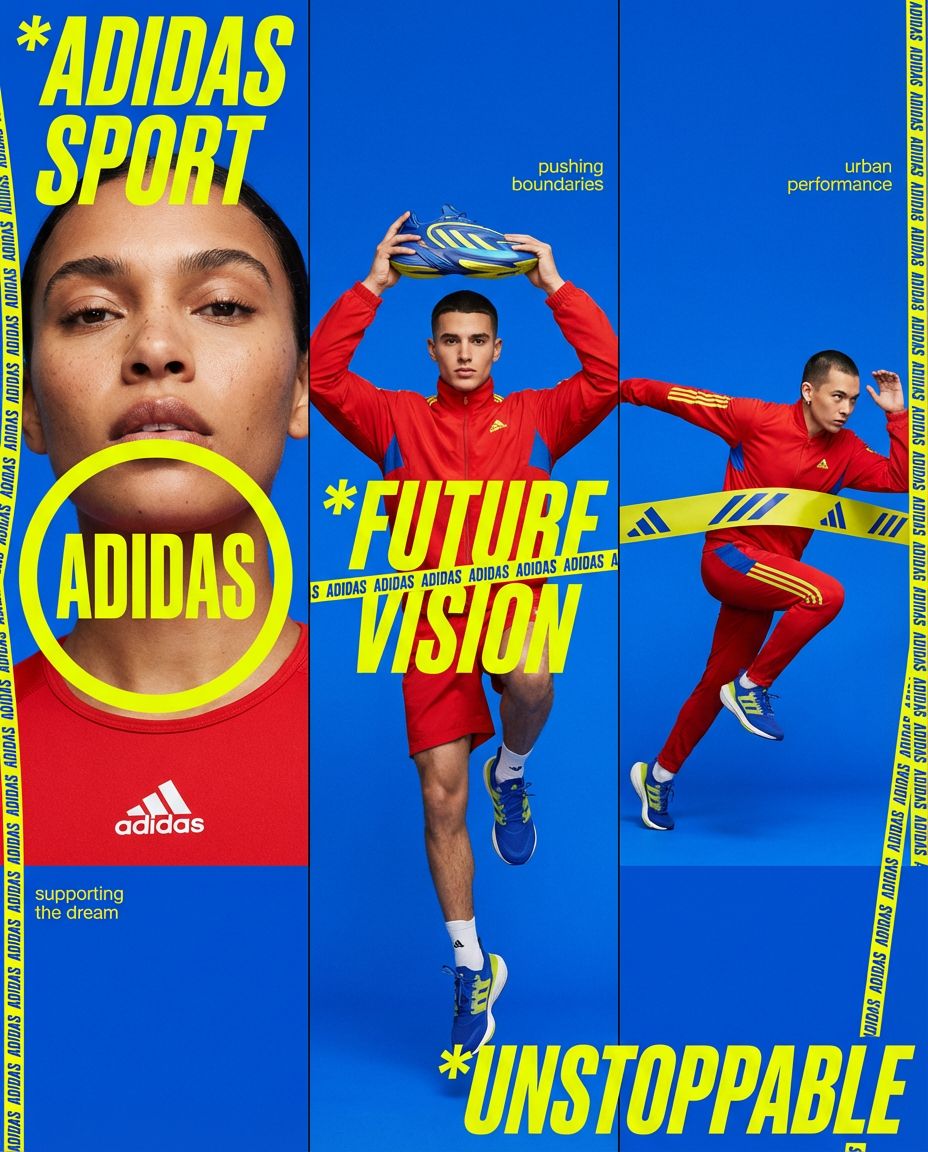
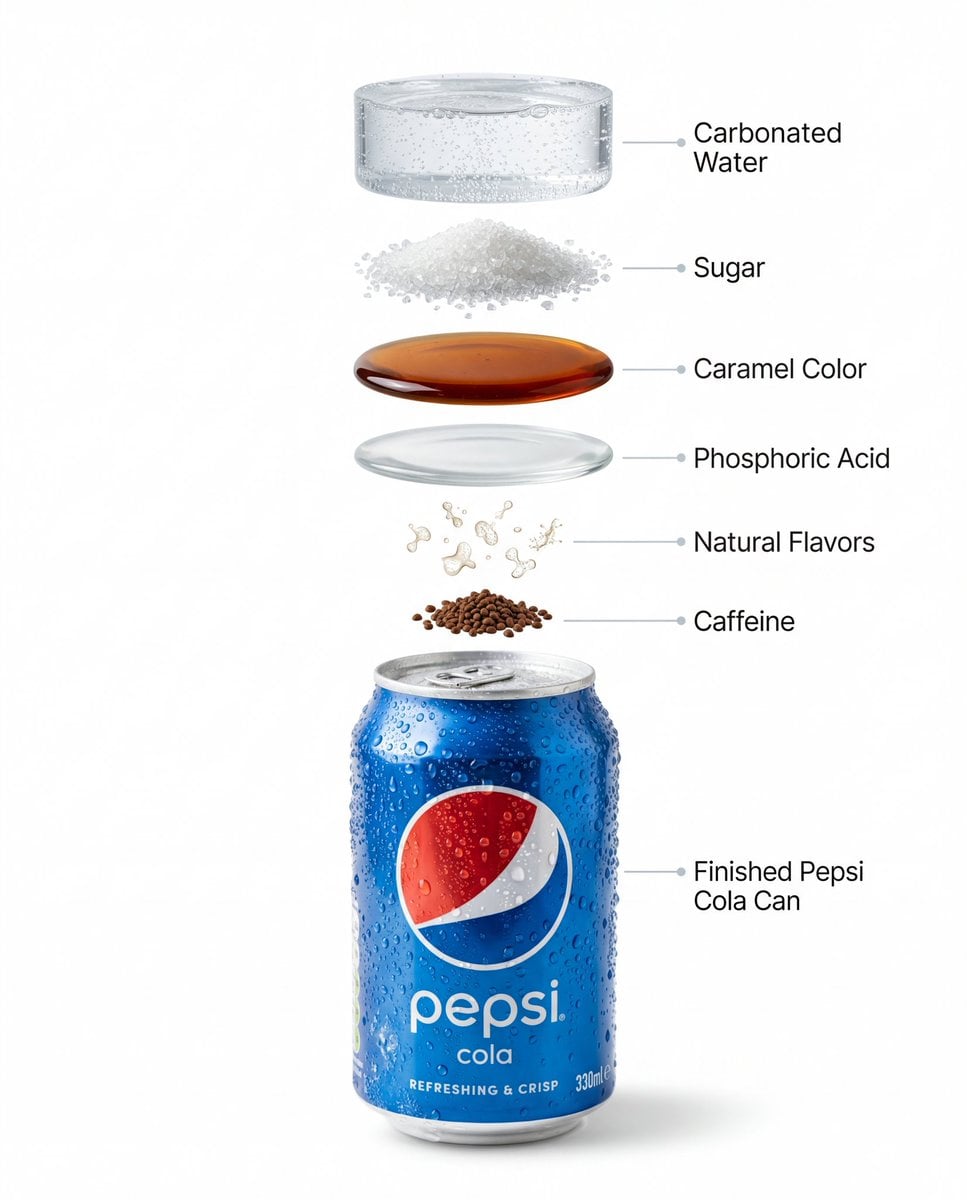
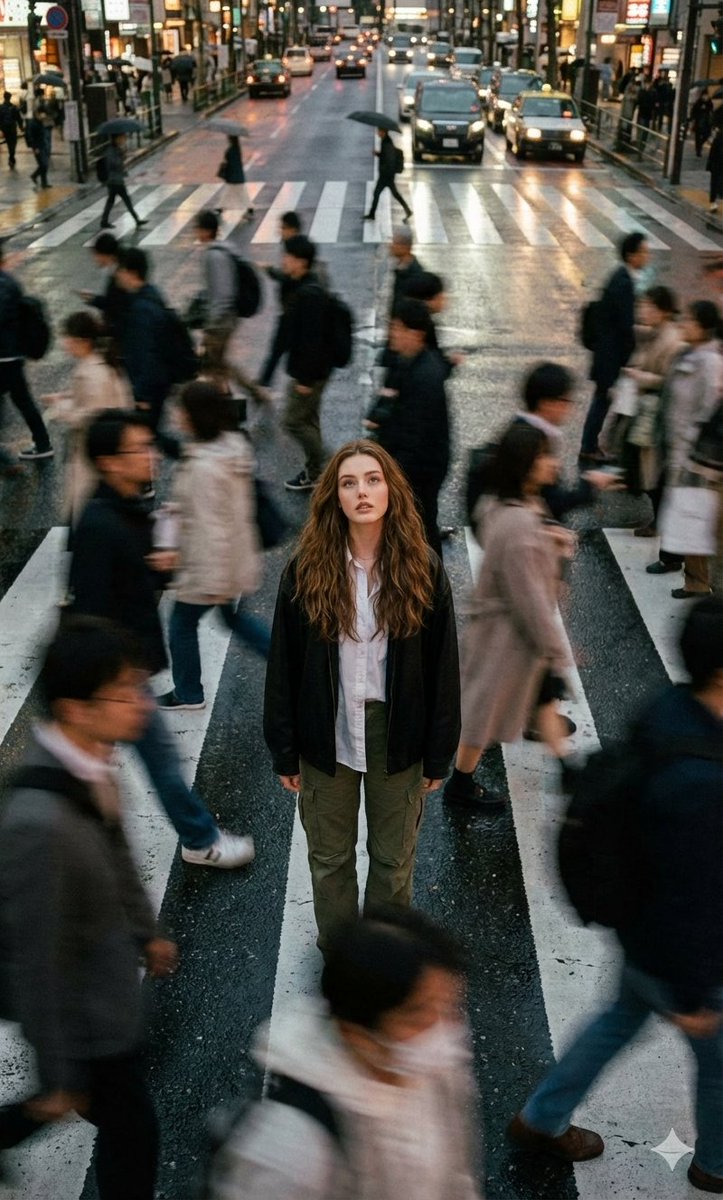
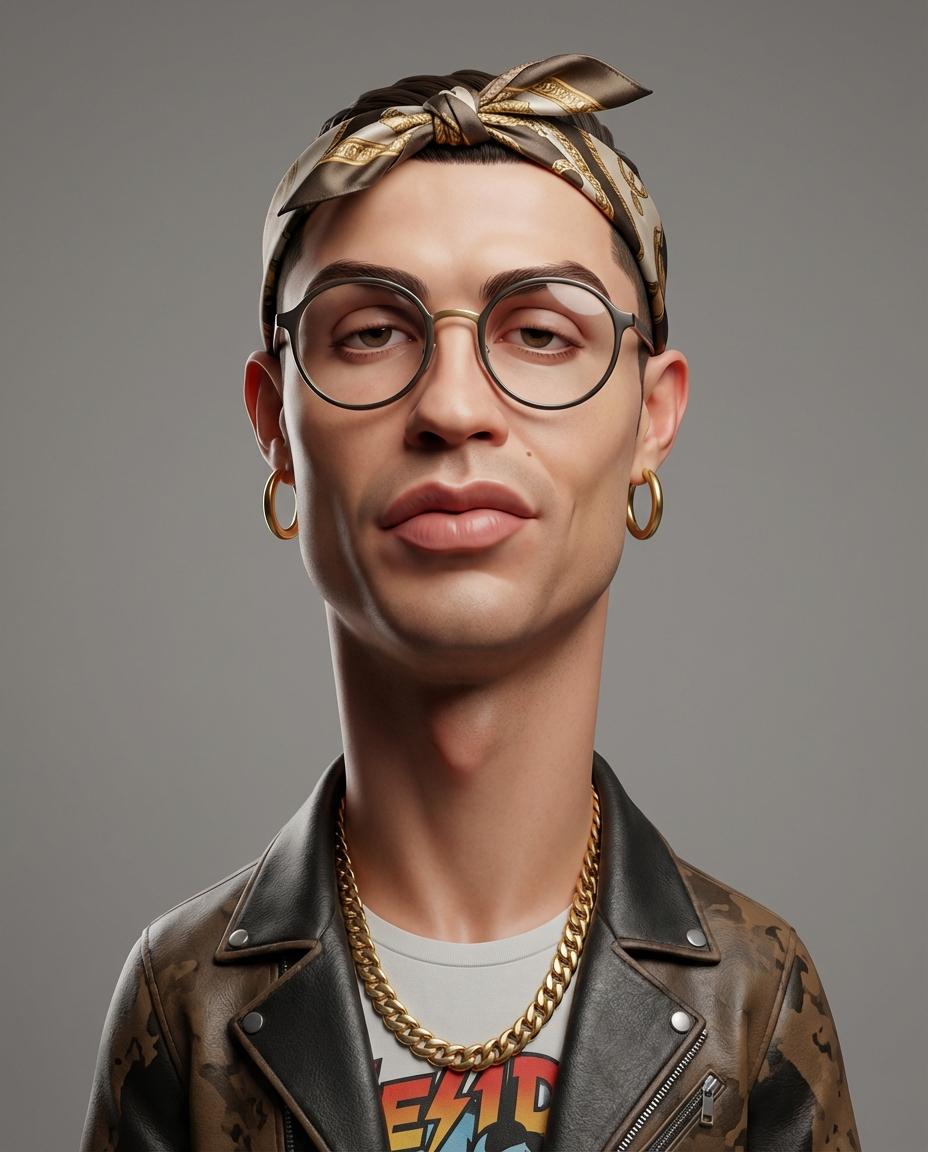
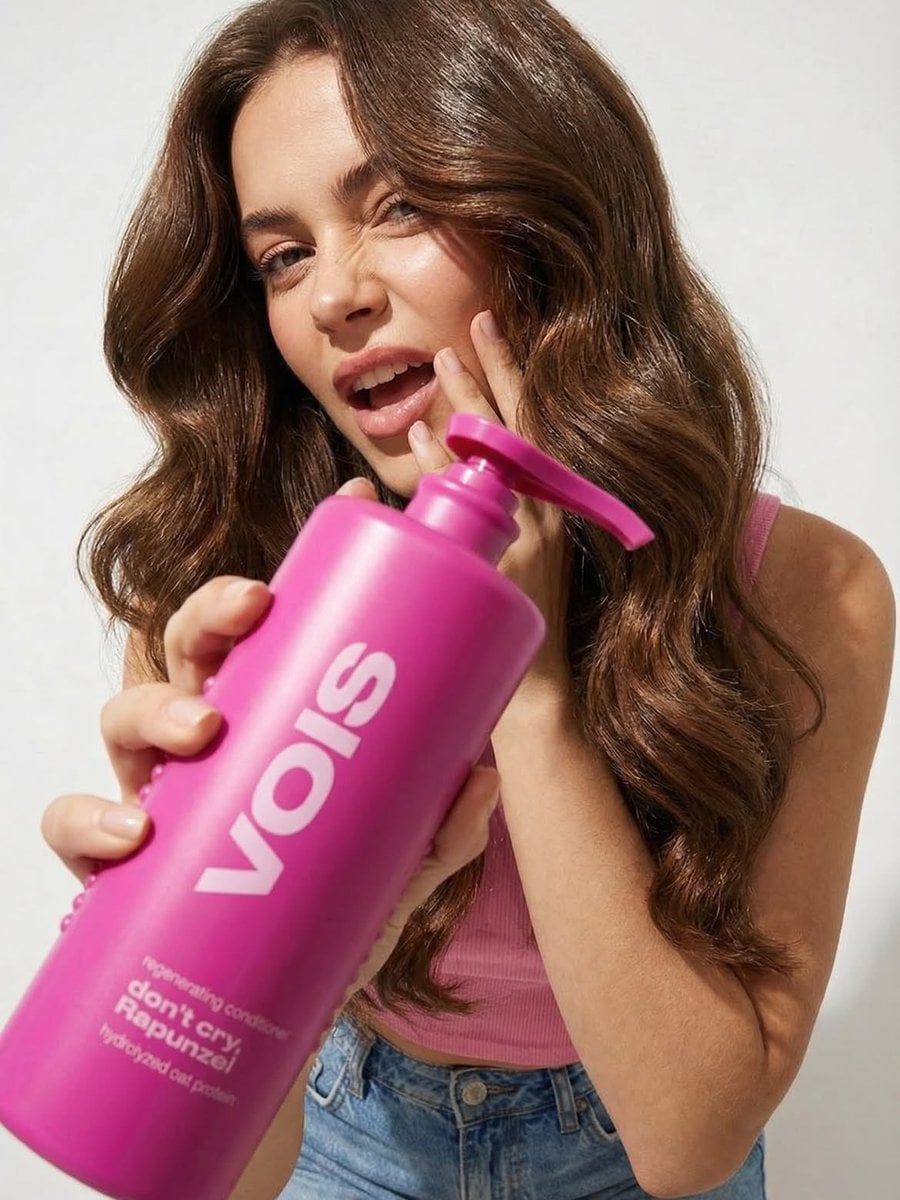
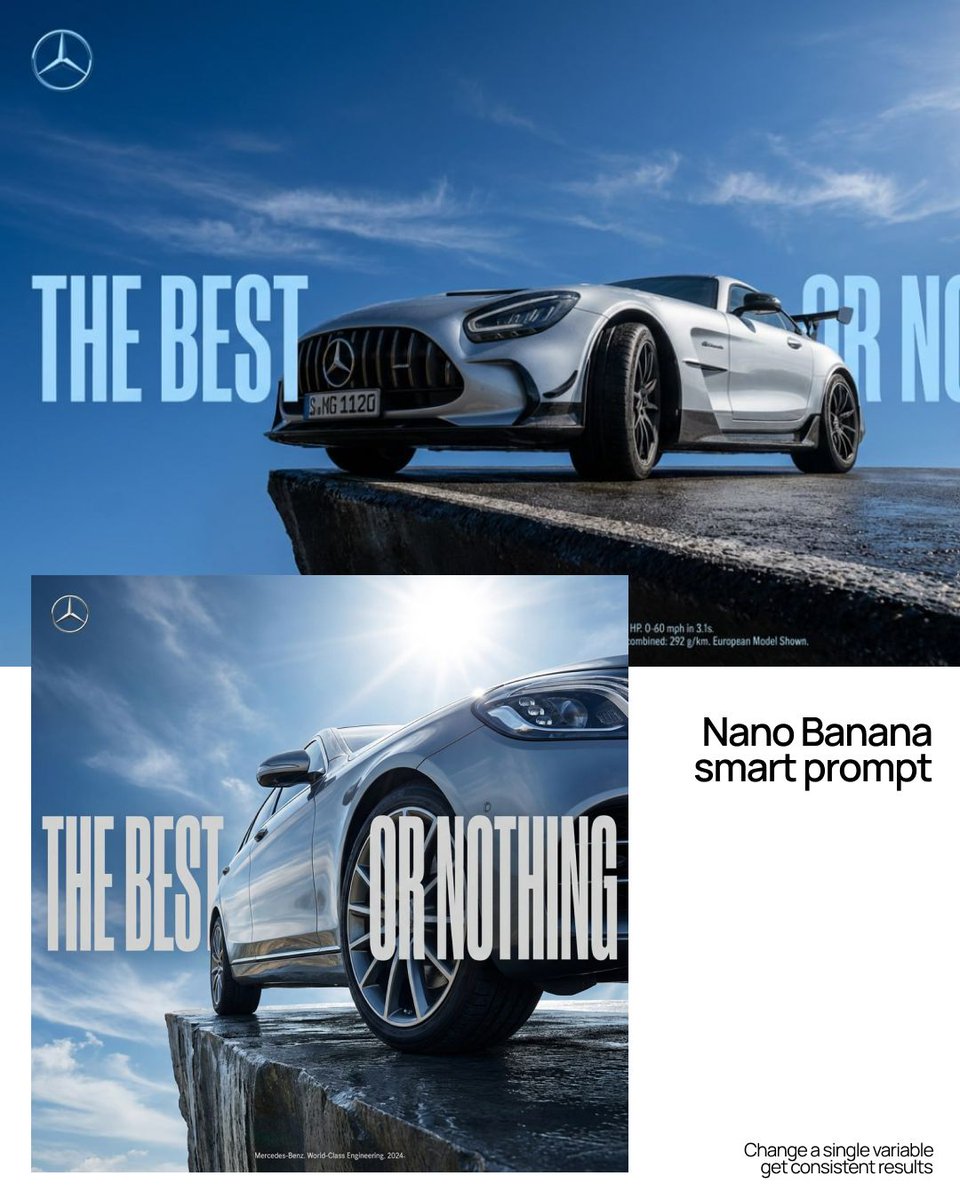
Browse visual prompts, reuse one in the image generator, and shape a strong first frame for your next Kling AI video. Adjust the subject, style, lighting, and framing before adding motion.
Kling 3.0 powers the core Kling AI experience with text-to-video, image-to-video, native audio, and first- and last-frame control. When a project needs a different look, compare Veo and Seedance for video or prepare source images with GPT Image, Nano Banana, and Flux—all from one shared credit balance.
Start with a written scene or reference image, then use Kling AI to shape subject motion, camera direction, transitions, and sound in one streamlined workflow.
Describe the subject, setting, action, mood, and camera movement. Kling AI turns the written direction into a complete moving scene without a hand-built timeline.
Start from a portrait, product shot, illustration, or concept frame. Kling AI adds natural movement while keeping the composition, visual style, and important details recognizable.
Prompt dolly shots, pans, close-ups, transitions, and subject movement. Clear direction gives every Kling AI clip a more intentional cinematic rhythm.
Enable native audio to generate dialogue, ambience, and sound effects that follow the action, helping the first draft feel like one coherent scene.
Upload two photos and get the viral Hotel Lobby performance back with your people in it — same orange booth, same moves, same beats, original audio. One click, about 10 minutes, HD MP4.
Try Hotel Lobby AIKLING AI VIDEO FEATURES
Use Kling Motion AI to prepare a scene, guide the first frame, control motion and camera direction, add native audio, and generate share-ready video without a traditional editing timeline.
WHY KLING MOTION AI
A focused Kling AI free-start workflow for turning prompts and still images into polished video, with the controls creators need in one browser-based studio.
Join Kling Motion AI for free credits, then choose monthly or one-time credit options when you are ready to generate more Kling AI video.
For trying a trend or an occasional clip
Billed yearly at $89 · you save $89.80
≈ $3.71 per Hotel Lobby video
For creators who post every week
Billed yearly at $174 · you save $174
≈ $1.61 per Hotel Lobby video
For daily production and client work
Billed yearly at $354 · you save $354
≈ $1.40 per Hotel Lobby video, the lowest of any plan
Up to this many of each. Credits work across every model.
Counts use each model's lowest-credit setting. Longer clips, higher resolution and audio use more credits.
20 credits when you sign up, plus up to 100 more every week from daily check-ins.


KLING AI CREATOR STORIES
FAQs
Clear answers about the Kling AI free-start experience, supported models, credits, video controls, licensing, and account plans.
Kling Motion AI is an independent, browser-based AI creation platform built around Kling AI video generation. Turn text or reference images into short videos, create supporting images, and manage the workflow in one place. Kling Motion AI is not affiliated with Kuaishou or the official Kling AI service.
Kling Motion AI is free to join. New accounts receive 20 free credits, and daily check-ins add up to 100 free credits a week. Kling video generations cost credits according to duration, resolution, and audio settings, so you may need to save or top up credits before rendering a Kling video.
Kling Motion AI features Kling 3.0 for text-to-video and image-to-video, with native audio, first- and last-frame guidance, clips up to 15 seconds, and resolutions up to 4K. You can also use Veo and Seedance for video, plus GPT Image, Nano Banana, and Flux for images.
Yes. Use Kling AI text-to-video to build a scene from a prompt, or upload a first frame for image-to-video. You can also create or edit the source image inside Kling Motion AI before animating it.
Every generation uses credits. Kling AI video cost varies with clip duration, resolution, and whether native audio is enabled. Monthly subscriptions replenish credits each billing cycle, while one-time credit packs let you top up when needed.
Subscription credits are valid for the current billing cycle and refresh on renewal. Pay-as-you-go credits you purchase separately never expire — use them at your own pace.
Yes. Change or cancel your plan anytime from the pricing page or the billing portal. There are no long-term contracts, and your plan stays active until the end of the current period.
Yes. Eligible outputs created with Kling Motion AI can be used for marketing, social content, products, and client work. Commercial use rights are included with every plan; you remain responsible for your prompts, source files, and compliance with applicable laws and third-party rights.
Kling Motion AI puts the Kling AI workflow at the center while keeping image generation, image editing, and alternative video models in one workspace. You can prepare a first frame, animate it, compare results, and manage credits without stitching together separate apps.
Because credits are digital goods that can be used immediately, purchases are generally non-refundable. If you have a billing issue or were charged in error, email support@klingmotion.ai and we will review it.
Yes. Email support@klingmotion.ai for account or billing help. If you need high-volume generation or a custom enterprise setup, contact us and we will help you choose the right plan.
Create a free account, claim your credits, and turn a prompt or image into cinematic motion with Kling Motion AI. Video generations use credits based on model, length, resolution, and audio settings.